
9 Free SEO Tools That Would Actually Be Worth Paying For

As a freelance SEO consultant who basically bootstrapped his way into business - because I had no cash - I am what you might call an expert on finding free SEO stuff. And I know that it's a huge thing for a lot of people, especially very small businesses just starting out who just can't afford to hire anyone right now. While I personally do not recommend DIY SEO - and not just because I do it for a living but because it is usually very ineffective - I get that for some businesses it just isn't on the cards yet.
So, for those folks - hi there, hope you'll remember this when you do start to grow and realise that you do need some pro SEO help - here is a look at nine of my favorite free SEO tools that are actually useful, and free SEO tools that are useful to the point that they probably shouldn't be free. Luckily, however, they are.1. Google PageSpeed Insights
Check the speed and usability of your site on multiple devices
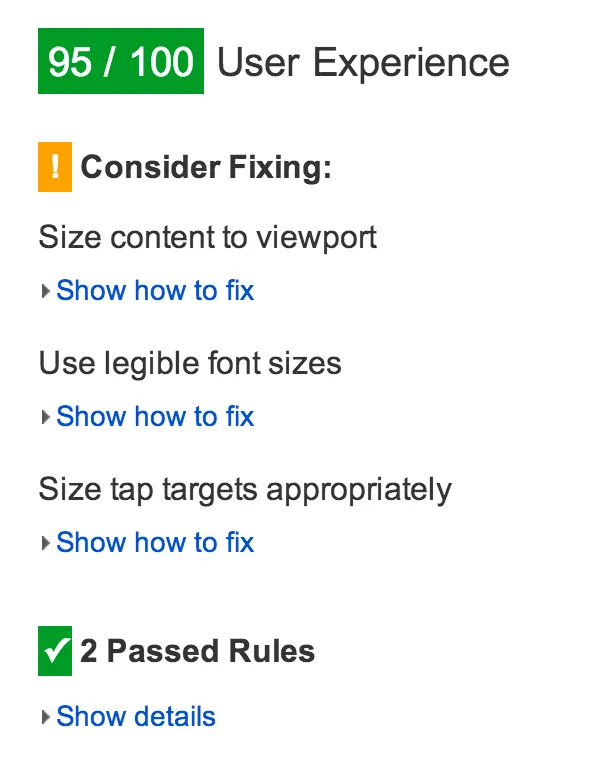
Enter a URL, any URL, it does not have to be yours, and this Google provided tool will test the loading time and performance for desktop and for mobile, plus identify opportunities to improve (and pat you on the back for what you’re doing well). The mobile results also come with a user experience score, grading areas like tap targets and font sizes. As mobile optimization is the BIGGEST thing in onsite, technical SEO right now then this is a tool every webmaster should know about, use, and check back with frequently as their site evolves.
Alternatives: Pingdom, WebPageTest, and GTmetrix
2. Moz Local Listing Score
See how your local business looks online
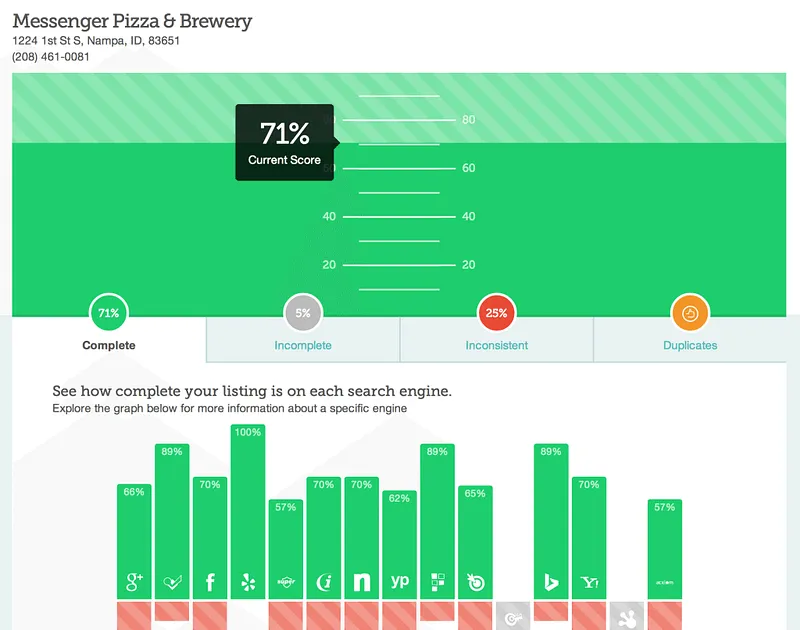
Moz crunches data from more than 15 different sources — including Google, Foursquare, and Facebook — to score your brick-and-mortar business on how it looks online. Results come complete with actionable fixes for inconsistent or incomplete listings. Some of these can get quite technical and you will likely need some help fixing some of the issues but this free snapshot of where you stand in terms of local SEO can be invaluable for some businesses.
3. Keywordtool.io
700+ keyword ideas based on a single keyword
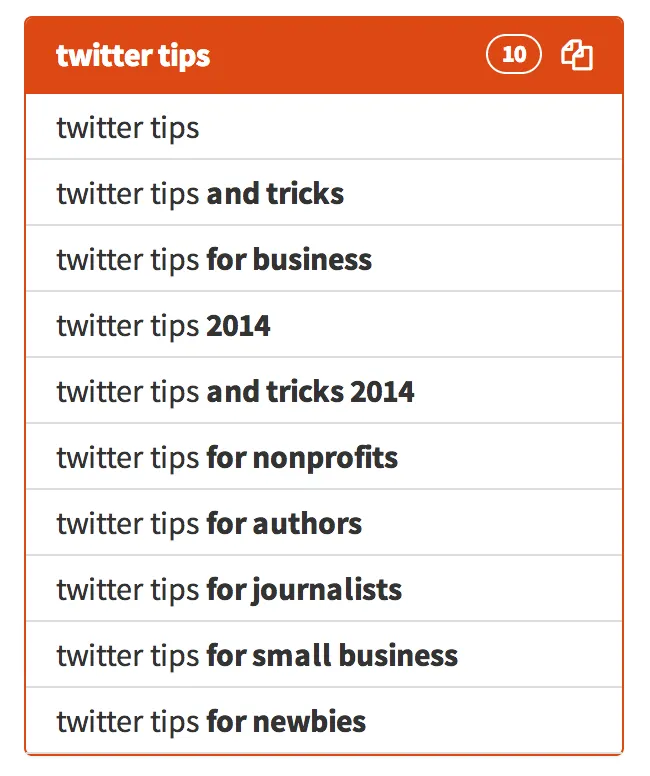
Enter a keyword, whatever it is you have in mind, and the Keyword Tool provides a huge handful of long-tail keyword opportunities, organized alphabetically.
Alternative: Übersuggest
4. Google Analytics
Complete web stats and search insights
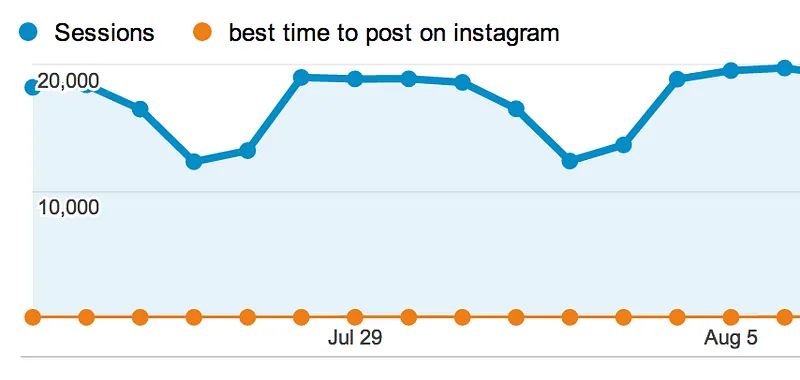
In addition to tracking pretty much every bit of traffic you could imagine on your website, Google Analytics also gives you lots of keyword insights as to which terms people use to land on your pages.
Alternative: Piwik
5. Google Webmaster Tools + Bing Webmaster Tools
Constant website analysis, alerts, and error reports
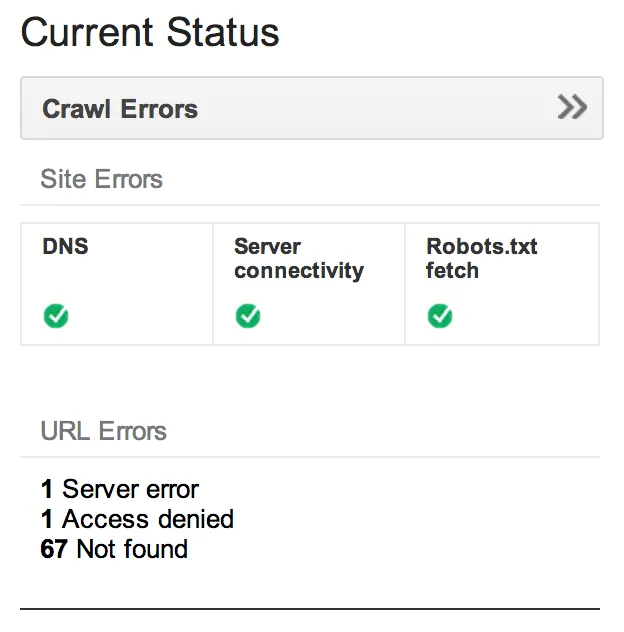
These webmaster tools help give you a taste of what the two top search engines think of your site. It’s helpful to see any bugs, alerts, and indexing issues.
Note: Both of these tools can be a little tricky to install on your site. If you’ve got a WordPress website, you can add the webmaster code automatically through a plug in but otherwise it usually involves adding code, so make sure you know what you are doing before you get started (or find someone who does.)
6. Google Keyword Planner
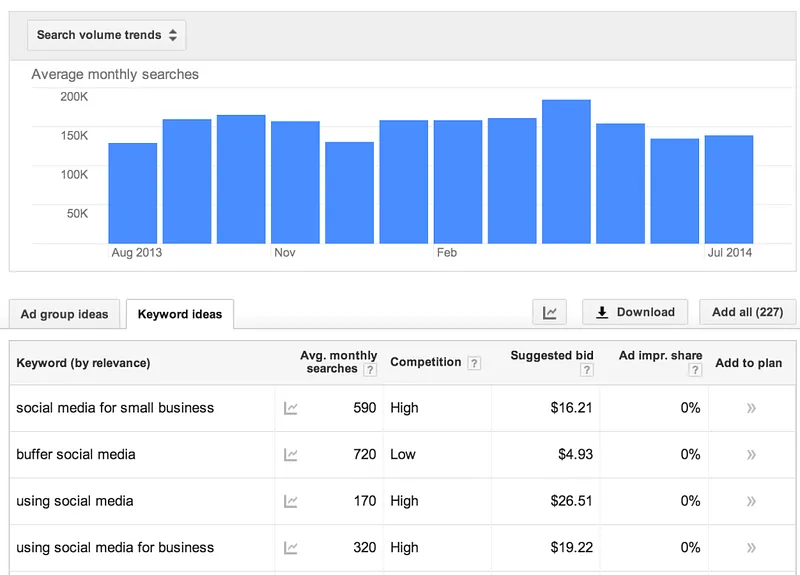
Understand what people search for
Enter a keyword or group of keywords into this tool and Google will return all kinds of stats to guide your keyword strategy: monthly search volume, competition, and even suggested terms you might not have considered.
7. Google.com in an Incognito Window
Discover auto-fill opportunities
Searching Google.com in an incognito window will bring up that all-familiar list of autofill options, many of which can help guide your keyword research. The incognito ensures that any customized search data Google stores when you’re signed in gets left out. Incognito may also be helpful to see where you truly rank on a results page for a certain term.

8. Google Trends
sans-serif;">Changes in search volume for key terms
A quick browse or search through Google Trends can show you the hockey-stick rise of potential terms and SEO opportunities for your content.
9. Schema Creator
Uber-customize the way your search results appear
Create custom code so that your reviews, events, organizations, and people are displayed the way you want on search pages. Once you’ve created your schema code, copy and paste to your website, or try the free WordPress plugin for an even easier implementation.
Here’s an example of schema in action:

These tools have all been a big help to me in the past. Having moved up in the field - and having gained a ton more experience - I know make use of more powerful, paid tools and that is the case for client work as well. As a starting point though these are all great options. The one thing they don't do though is operate automatically. So while you may be getting the tools free, they will cost you your time. So, when deciding whether you should get your SEO right from the start, by hiring an experienced SEO professional to help you, the cost of that time does need to be factored into the equation as well.
Want me to look at your site?
Send me your URL and the one thing you'd most like to fix. I'll record a free 10-minute teardown of what I'd do first — no pitch.
Or read how I work on SEO consulting in London.